Trackable social links and campaign traffic in a focused SaaS dashboard
LinkTap gives businesses and creators a simple way to create trackable links and understand where visitors come from. Instead of reading raw visit records, users get a campaign-oriented dashboard built around decisions they can act on.
In short
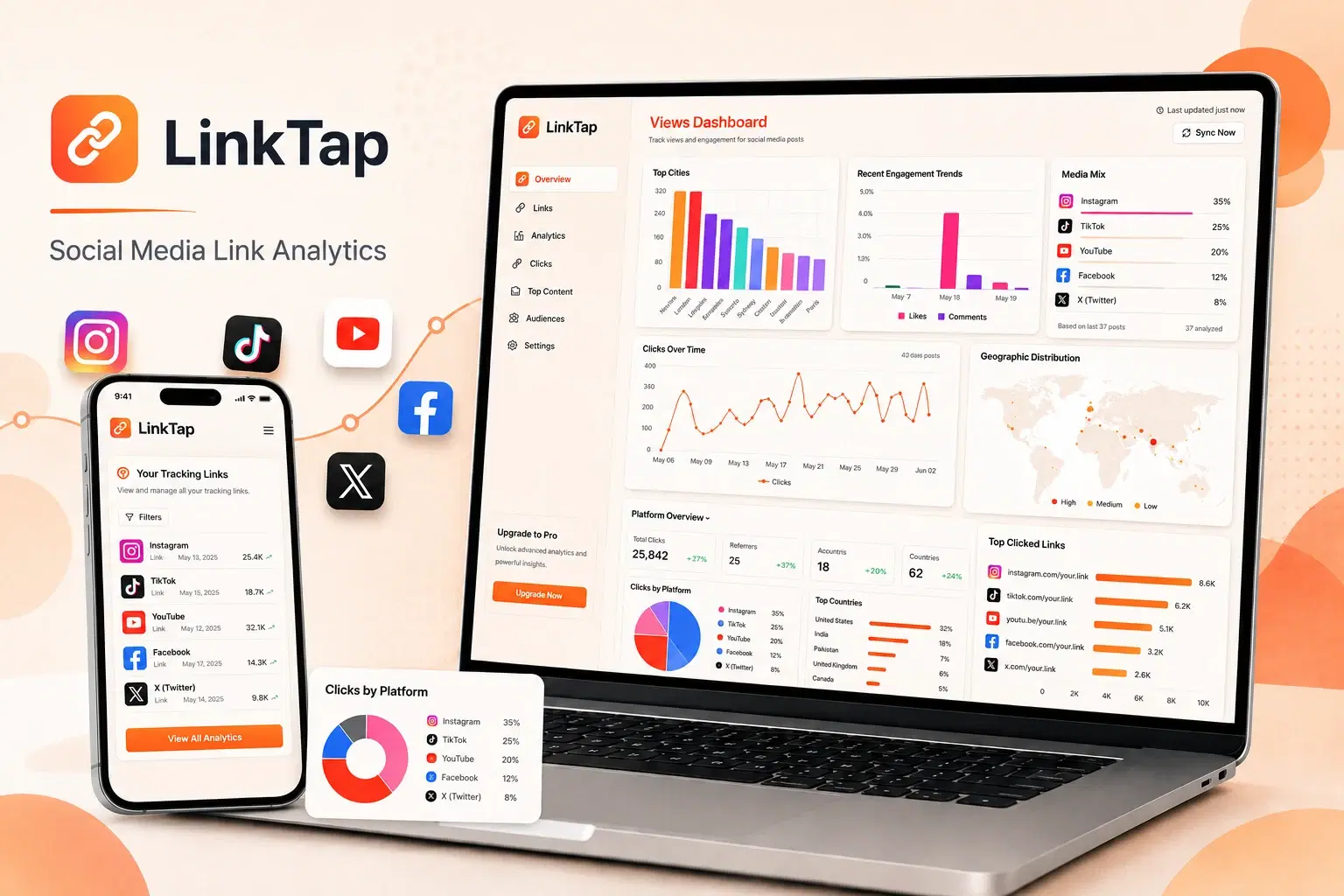
LinkTap is a social media link analytics SaaS for businesses and creators. Users create trackable links for social profiles and campaigns, the platform records each visit with its source and campaign context, and a dashboard groups performance by link and traffic source. Creators can compare campaigns and see which social sources drive traffic without exporting raw visit data for every review.
- Users
- Businesses and creators
- Tracks
- Links, traffic sources, campaigns
- Core stack
- Next.js, TypeScript, Vercel
01 / The problem
Why the link analytics dashboard was needed
Social platforms often provide only part of the traffic story. A creator may know that a post performed well but still lack a consistent view of which link, source or campaign produced visits.
The product needed to record useful attribution without making link creation or daily reporting complicated.
02 / The build
How I approached the build
I built a Next.js and TypeScript SaaS where users can create trackable destinations and review the resulting visit activity. The application records source and campaign context before presenting it through focused analytics views.
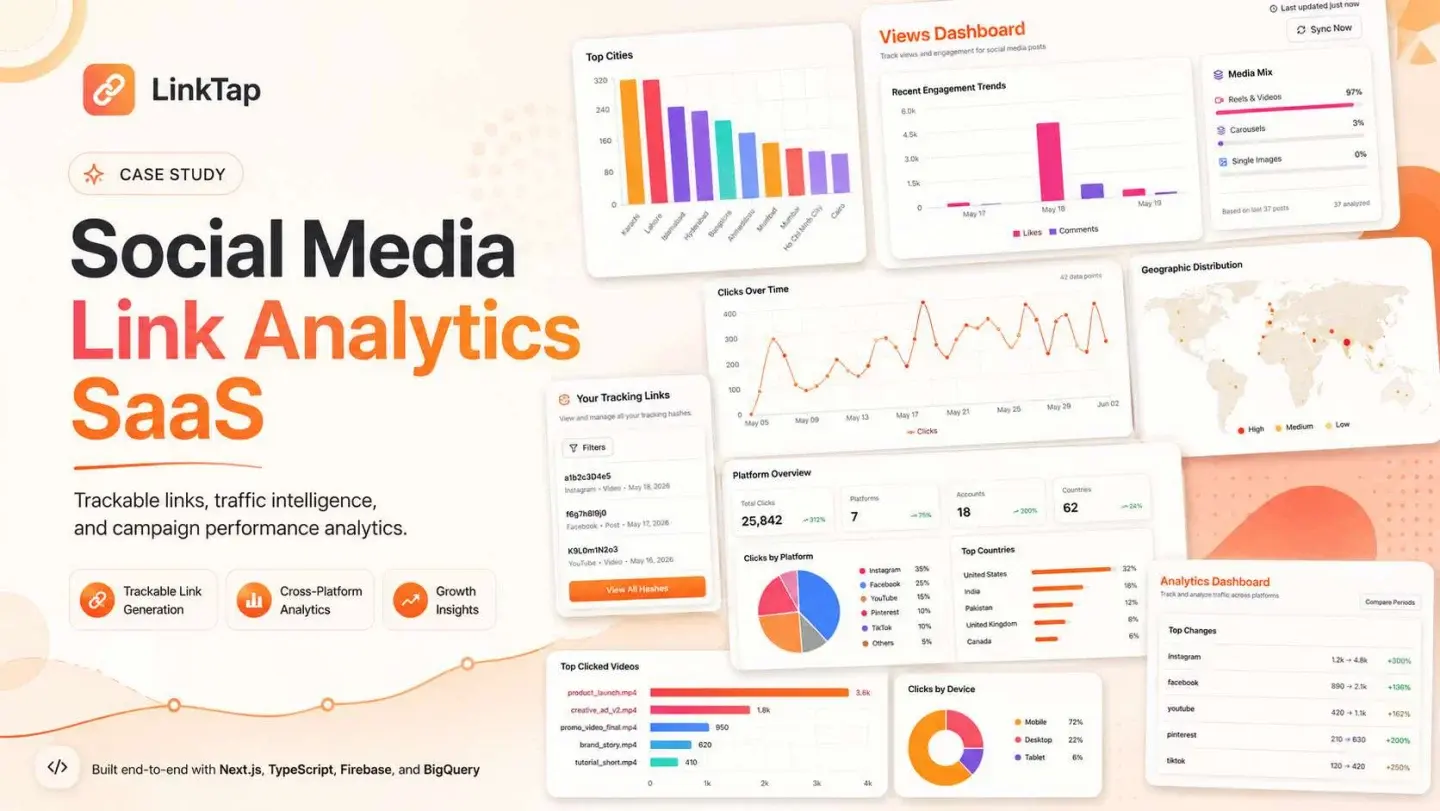
The dashboard organizes performance by links and traffic sources so users can compare campaigns without exporting raw data for every review.
03 / Capabilities
What the link analytics dashboard does
Trackable links
Users create managed URLs for social profiles and individual campaigns.
Visit collection
The platform records each valid visit with the available source context.
Source analysis
Traffic can be compared across social channels and referring campaigns.
Campaign dashboard
Performance is presented in a format designed for recurring review.
Link management
Destinations and tracking records stay organized in one account.
SaaS deployment
The product is structured for web delivery through Next.js and Vercel.
04 / Workflow
How it works, step by step
- 01
Create a tracked destination
The user defines where the visitor should go and how the campaign should be identified.
- 02
Share the link
The generated URL is used in a social profile, post or campaign.
- 03
Record traffic
Each visit is associated with the managed link and available source data.
- 04
Review performance
The dashboard turns visits into comparable link and campaign signals.
05 / Product screens
Product screens
Select a screen to inspect the interface, workflow and operational details more closely.
LinkTap — presentation, page 1
06 / What changed
The practical result
- Creators can compare social traffic through one tracking model.
- Campaign review no longer begins with a raw list of visits.
- Managed links keep destination and performance context connected.
Common questions
Questions about building a similar link analytics dashboard
It can track managed links, visit counts, referring sources, campaign parameters, time-based activity and destination performance.
Work with me
Need an analytics dashboard developer?
I build focused SaaS dashboards that turn event and traffic data into a product people can understand and use.
Discuss your projectKeep exploring
Related case studies
SEO Automation Platform
An SEO automation platform for research, AI-assisted content, translation, GitHub publishing and multi-site website generation.
Read the SEO content automation platform case studyWebPropTrader AI
An AI property valuation platform with automated valuation, portfolio tracking, market context, scenario simulation and appraisal reports.
Read the AI property valuation platform case studyEnterpriseSupport Space
Support Space is a 3PL operations platform with connected workspaces for seller accounts, support, carrier investigations, credits and warehouse staff.
Read the 3PL operations platform case study